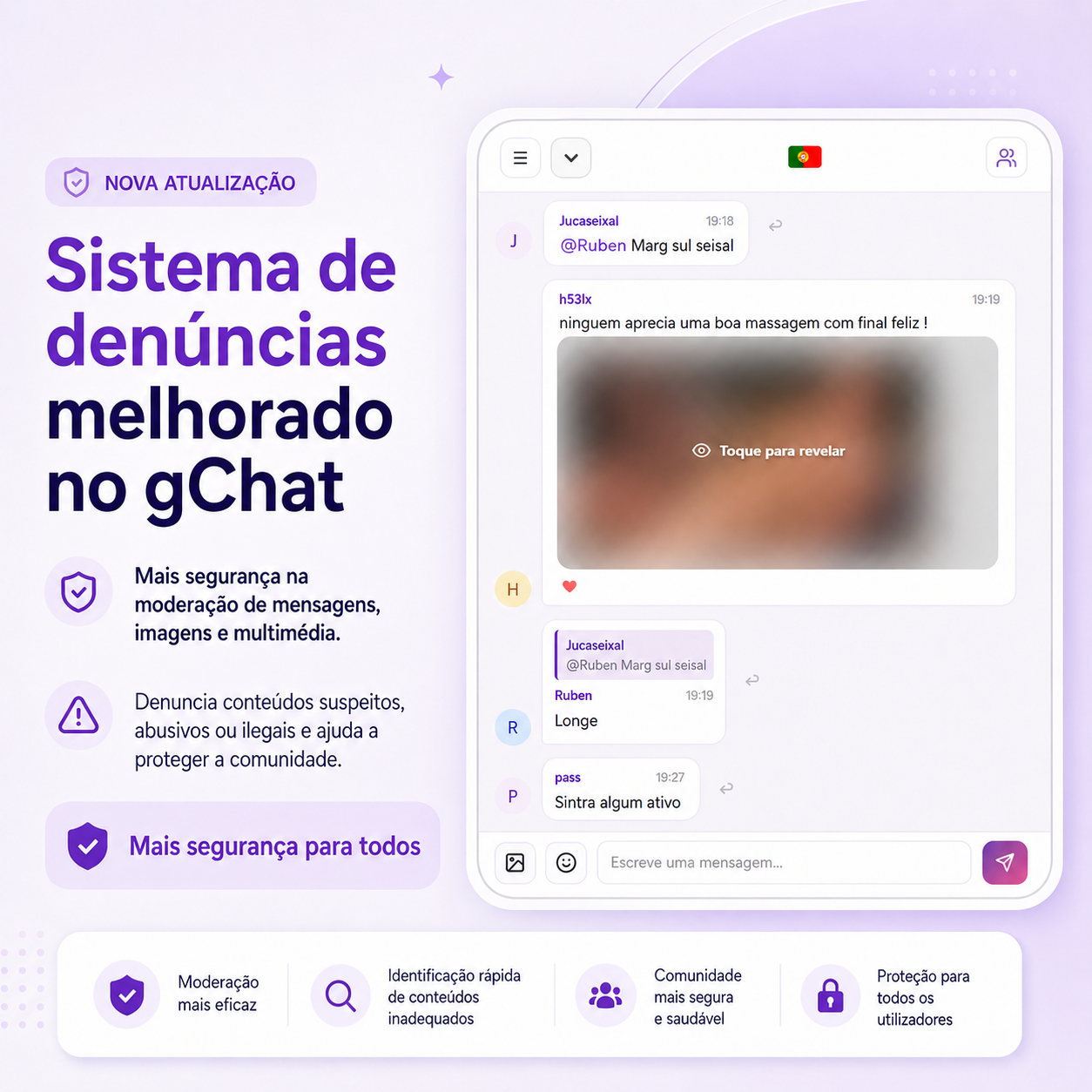
gChat continues to evolve to offer a safer, simpler and more responsible experience for all users. As an online gay chat without registration, where adult users can enter with a nickname and start chatting, it is essential to have strong tools for reporting, moderation and community protection.
That is why gChat is improving its reporting system, with the goal of fighting abusive behaviour, illegal content, spam, harassment, suspicious profiles and any situation that may affect user safety.
Chat in public rooms, send private messages, photos, videos, audio messages and use video calls with other adult users.
Enter gChat
What is the gChat reporting system?
The gChat reporting system is a tool created to allow users to report suspicious, offensive or dangerous situations inside the platform. Whenever someone sees an inappropriate message, image, video or behaviour, they can use the report option to alert moderation.
This system helps keep the gay chat cleaner, safer and more respectful. Reporting is not only about punishing users. Its main purpose is to protect the community and prevent abusive behaviour from continuing.
Why is reporting important in a chat?
In an online chat, especially in an open community without mandatory registration, some users may act with bad intentions. They may send spam, insist after being refused, share dangerous links, try to scam others or publish prohibited content.
By reporting, you help gChat identify these behaviours faster and take action to protect other users. Every report helps improve the safety of the platform.
What situations should be reported?
You should use the reporting system whenever you find content or behaviour that violates the rules of gChat. Examples include:
- Harassment, insults or threats against other users;
- Spam, abusive advertising or repeated links;
- Fake profiles or suspicious user behaviour;
- Sharing personal data from others without permission;
- Illegal, dangerous or prohibited content;
- Messages involving minors or any attempt to involve underage people;
- Selling, buying or promoting drugs and illegal substances;
- Content related to weapons, violence or dangerous activities;
- Abusive photos, videos or media sent without consent.
Moderation of text, photos, videos and private messages
gChat allows public room conversations, private messages, photo sharing, video sharing, audio messages and video calls. For this reason, safety cannot be limited only to text messages.
The improved reporting system also helps strengthen media content moderation, making it easier to identify problematic situations in images, videos and other files shared inside the platform.
This improvement is important to ensure that the gChat gay chat remains a space where adults can talk freely, but also responsibly.
What happens after a report?
When a report is submitted, the system may analyse several factors, such as the type of reported content, the number of reports received, the user's behaviour and the seriousness of the situation.
Depending on the case, actions may include a warning, temporary block, ban or content removal. In more serious situations, access to gChat may be restricted to protect the community.
Reports help make gChat safer
Safety on gChat does not depend only on technology. The community also plays an essential role. When a user reports abusive behaviour, they help everyone have a better experience.
Even a small report can help identify patterns of abuse, spam or misuse of the platform. That is why, if you see something wrong, you should report it.
Use gChat safely
Enter with a nickname, chat with other adult men and help keep the community safer by reporting suspicious behaviour.
Enter gChat nowTips to chat more safely on gChat
In addition to using the reporting system, there are some good practices every user should follow in an online gay chat:
- Do not share addresses, documents, banking details or sensitive personal information;
- Avoid clicking links sent by unknown users;
- Block users who are pushy, abusive or disrespectful;
- Report suspicious, offensive or illegal messages;
- Do not send photos or videos that may compromise your privacy;
- Respect other users and each person's limits.
You can also read our article about how to chat safely in a gay chat to learn more online safety recommendations.
gChat's commitment to safety
gChat is continuously working to improve safety, moderation and user protection tools. The reporting system is a key part of this process.
During the implementation of new improvements, some features may go through small adjustments or temporary instability. However, these updates are important to ensure a safer, more modern and better protected platform for the community.
Conclusion
The improved gChat reporting system is another step towards making the gay chat safer for everyone. Through moderation, technology and user collaboration, it is possible to create a more protected, respectful and trustworthy experience.
If you see something suspicious, abusive or illegal, use the report option. Your action can help protect other users and improve the quality of the gChat community.